Why We Built TaleLens

Why We Built TaleLens
Many products do not start with a grand plan. They start with a simple, stubborn question: if I already have a story, why is it still so hard to turn it into a picture book that actually feels finished?
That was the starting point for TaleLens.
We did not begin with the goal of making “another AI product.” We began with a recurring creative bottleneck. Even when you already have the theme, the characters, the pacing, and sometimes even a complete script, you still have to jump across multiple tools just to assemble something that resembles a real storybook.
That process is slow, fragmented, and surprisingly easy to derail. The story may stay the same in theory, but once it passes through enough tools, the characters stop matching, scenes drift off course, pacing gets interrupted, and the final result starts to feel farther away from what you meant to make.
That led us to a more useful question: could there be a tool built for story creators—not one that asks you to start from scratch and hope AI gets it right, but one that helps you turn the story you already have into something people can truly read, share, and present?
That is where TaleLens came from.
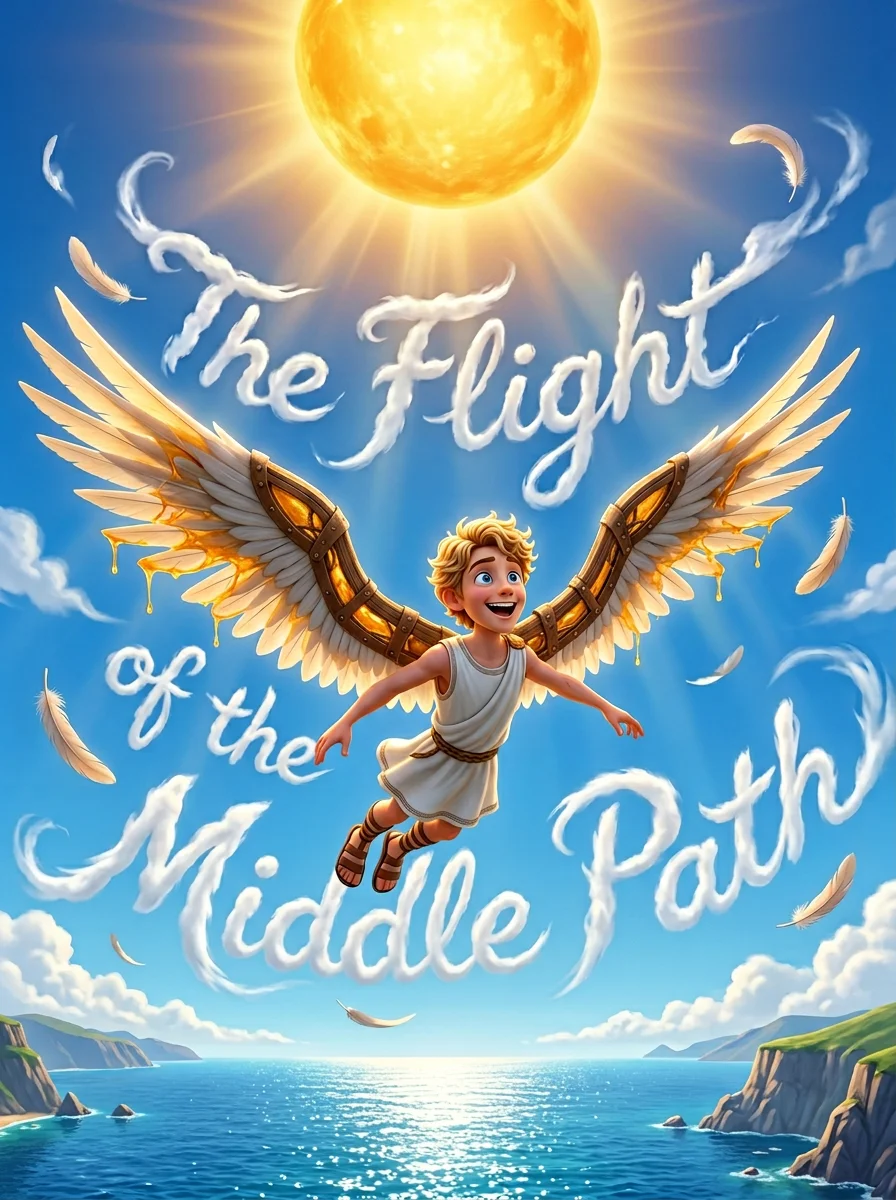
Example: a children's picture book cover generated by TaleLens, "The Flight of the Middle Path."
The Problem Was Never “No AI.” It Was “No Tool Built for This Job.”
There is no shortage of AI tools today.
If you want inspiration, general text models are already excellent. If you want a beautiful image, general image models can do that too. If you need layout, slides, or video, there are mature tools for all of those.
The problem is that turning a story into a picture book is not a single task. It is a full workflow.
That workflow usually includes:
- shaping an idea into a script that works across pages
- building a stable character setup
- keeping each illustration aligned with the text on that page
- maintaining a consistent tone, style, and emotional rhythm across the whole book
- exporting into formats that are ready for reading, teaching, presenting, or sharing
Each step, on its own, may already have a tool. But once you connect those steps, the gaps become obvious. Most tools are not designed around the outcome of making a complete book. They are designed to do one part of the process very well.
Why General AI Tools Still Leave a Gap
This is not an argument against general-purpose AI tools. We use them too. The issue is simply that broad capability is not the same thing as workflow fit.
Here is the comparison that kept showing up in our own creative process:
| Tool Type | What It Does Well | Where It Usually Falls Short in a Picture-Book Workflow |
|---|---|---|
| General text tools | Brainstorming, rewriting, polishing, first drafts | They can make a story sound more and more “AI-written” instead of more like the author; they also do not naturally think in page turns, scene flow, or visual continuity |
| General image tools | High-quality standalone images | Character consistency is hard to maintain across pages, scene details drift easily, and keeping a whole book visually unified takes a lot of manual effort |
| General design / presentation tools | Layout, export, presentation | They do not understand story structure, so the workflow becomes manual, fragmented, and assembly-heavy |
| Typical story-generation tools | Fast story generation | They are often better at writing for you than at faithfully expressing the story you already want to tell |
| The workflow TaleLens is designed for | Continuous creation from story to finished work | It connects script, characters, visuals, pagination, and output into one more natural path |
Put more plainly:
The issue with existing tools is not that they cannot do the work. It is that users have to bridge the most important middle layer themselves.
That middle layer includes needs that sound small, but matter a lot:
- making a character look like the same person from the first page to the last
- making the image reflect the exact scene you wrote, not just something vaguely similar
- producing something that feels like a finished story, not just a folder of assets
- making the workflow usable for parents, teachers, writers, and creators without turning every step into prompt engineering
Because those problems kept appearing, we stopped thinking only about what would make the process easier for us personally, and started thinking about what a better product should actually look like.
We Did Not Want to Build a Universal AI Tool. We Wanted a Purpose-Built Story Workflow.
From the beginning, TaleLens has focused on a few core ideas:
- storybooks, picture books, comics, and children’s content as primary creation scenarios
- stronger character consistency and visual continuity across the full work
- outputs that are easier to use in real settings, including story pages, presentations, and video-like formats
- a workflow that helps parents, teachers, authors, and creators move from idea to finished work more quickly
Those choices all come from the same underlying belief.
1. Start from the story, not from random generation
A lot of creators are not short on ideas. They already have material:
- a children’s story they have written
- a bedtime story they want to tell their child
- classroom content they want to turn into something more visual and engaging
- a set of characters and a world they want to develop over time
What these users need is not a tool that throws out random possibilities. They need a tool that can faithfully turn an existing story into a visual work.
2. Solve the hard problems that actually matter, like character consistency and series continuity
A beautiful single image does not automatically make a usable book.
If a character’s face changes from page to page, or their clothing, age, or mood keeps shifting, readers notice immediately. And if creators have to rebuild the same character logic every time they start a new story, it becomes almost impossible to build a lasting body of work.
That is why TaleLens is not mainly about generating one more image. It is about making sure the same character, the same world, and the same story logic can carry across a whole project.
3. Design for real output, not just impressive generation
For many users, the real goal is not “I have a few nice images.” It is:
- Can I share this storybook directly with a child?
- Can I use it in a classroom?
- Can I turn it into something suitable for read-alouds, presentations, storytelling, or distribution?
That is why TaleLens has always cared more about the finished experience than the one-click wow moment.
4. Make the tool genuinely usable in family and education settings
If a product is meant to be used for children, families, and classrooms, it cannot be optimized only for technical novelty.
It also needs to consider:
- whether the content feels safe and dependable
- whether the language and presentation are suitable for children
- whether non-expert users can use it comfortably
- whether parents and teachers can take the output and use it right away
That is one reason we see TaleLens less as a demo of AI capability and more as a creative tool for real reading and teaching scenarios.
Where TaleLens Fits Alongside Google Storybook, Other Picture-Book Tools, and General Design Agents
The comparison below is based on official public pages and product positioning visible as of March 8, 2026. It focuses on the capabilities and use cases those products publicly emphasize. It is not meant as an exhaustive hands-on review of every advanced feature.
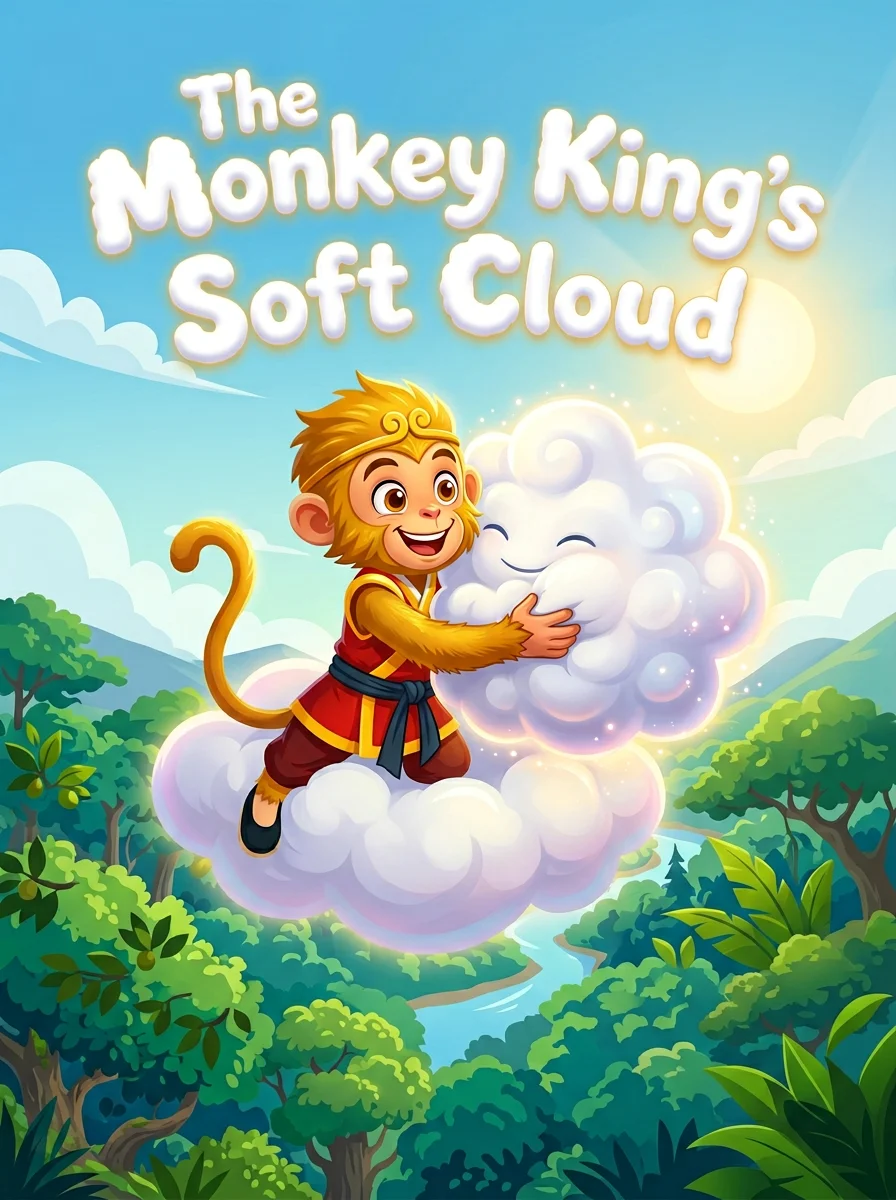
Example: a children's picture book cover generated by TaleLens, "The Monkey King's Soft Cloud."
If the only question is whether a product can generate stories or images, TaleLens is not necessarily the broadest option available. But if the question is more specific—once you already have a story, can you turn it into a stable, continuous, shareable picture-book experience with real control?—then TaleLens becomes much easier to place.
1. Compared with Google Storybook: TaleLens offers more control and customization
On its official blog, Google describes Storybook as an experience that can generate 10-page illustrated storybooks from ideas, photos, or files. It supports read-aloud, PDF downloads, and themes such as travel, friendship, nature, and education, while also highlighting support for 45+ languages.
The strengths of that approach are clear:
- it is very easy to start
- the personalization barrier is low
- it is great for quickly creating a storybook that is ready to read
- it fits parent-child and lightweight educational use cases especially well
But based on its public positioning, Google Storybook is optimized for quickly generating a personalized reading experience. TaleLens is optimized for something slightly different:
- faithful visualization of an existing script
- character consistency and continuity across a series
- more creator-oriented control over pagination, imagery, and the final output
- smoother reuse in downstream formats such as story pages, PPT / story slides, videos, or read-aloud content
In short:
- If you want to give a prompt and quickly get a readable storybook, Google Storybook is a compelling option.
- If you already have a story, a world, or a character system and want more control over how it becomes a continuous work, TaleLens is the better fit.
2. Compared with other picture-book tools: TaleLens is more workflow-first than book-tool-first
Here is how a few representative products roughly compare:
| Product | Public Positioning / Strength | Better-Fit Scenario | Main Difference vs. TaleLens |
|---|---|---|---|
| Google Storybook | Generates 10-page illustrated storybooks from prompts, photos, or files; supports read-aloud, PDF, and multiple languages | Parent-child use, lightweight education, fast personalized stories | Prioritizes instant generation; TaleLens prioritizes control and continuity from script to finished work |
| StoryJumper | Lets teachers, parents, and students create and publish books together, upload images and audio, and build libraries | Classroom collaboration, student creation, school-and-home co-creation | More centered on collaborative publishing and community; TaleLens is more focused on AI-assisted visual consistency and story-expression control |
| BookBildr | Personalized children’s books, AI writer / illustrator, multiple book formats, printable ordering, or export to PDF / flipbook | Printed gifts, self-publishing, and turning stories into purchasable or printable books | More centered on printing and publishing paths; TaleLens is more focused on story continuity, character consistency, and multiple output formats |
If you zoom out further, products like Storywizard more explicitly center students, teachers, multilingual learning, and reading-practice use cases. Those tools often sit closer to an educational story-learning ecosystem. TaleLens sits closer to turning an existing story into a stable visual narrative.
3. Compared with general design agents like Canva and Lovart: TaleLens is narrower by design
On its official AI page, Canva positions itself as an all-in-one AI platform, spanning images, video, copywriting, design, translation, format transformation, and even interactive content. Lovart’s public positioning is closer to a design agent, emphasizing coherent style, iterative editing, text-driven visual work, web references, and multi-format design output.
What these products have in common is that they are:
- broad in capability
- highly useful for design, brand, and marketing teams
- strong at posters, social assets, landing pages, proposals, brand materials, and campaign visuals
What they are generally not designed around is the specific task of making children’s picture books, storybooks, or multi-page visual narratives.
That is the key distinction:
- Canva / Lovart are closer to general creative operating systems
- TaleLens is closer to a story-driven picture-book workflow
If your goal is to:
- build a brand asset system
- quickly produce marketing visuals, social posts, and page designs
- explore multiple creative directions and iterate across them
then Canva or Lovart will often be the better match.
If your goal is to:
- turn one story into a coherent picture book, comic, or children’s storybook
- keep characters, scenes, pacing, and style consistent across many pages
- create something ready for children to read, teachers to use, or creators to build into a series
then TaleLens is much closer to that job.
4. The simplest takeaway: each product serves a different kind of creative need
You can think of the landscape like this:
- Google Storybook: best for quickly generating a highly personalized storybook that is ready to read.
- Picture-book tools such as StoryJumper / BookBildr / Storywizard: better for classroom collaboration, publishing, printing, educational interaction, or book management.
- Canva / Lovart: better for broad creative production, design workflows, and marketing content.
- TaleLens: better for people who already have a story direction, want more customization, and care deeply about character consistency, story continuity, and output quality.
That is exactly why we believe TaleLens is worth building.
It is not just about stitching together story writing, image generation, and layout. It is about preserving the creative intent behind a story and carrying that intent all the way through to a finished work people can read, tell, present, and extend.
Why We Chose to Build It Instead of Patching Together Existing Tools
At first, we tried the obvious approach: combining tools that already existed.
In theory, that should work:
- one tool to write the story
- another to generate images
- a third for layout
- a fourth to export and share the result
But after a few real cycles, the tradeoffs became hard to ignore.
First, the process was too fragmented
Creators should be spending their energy on story, character, and expression—not on switching interfaces, copying and pasting content, fixing formatting, and repeatedly re-explaining context.
Second, the story lost fidelity too easily
Every new tool reinterpreted the work. The relationship between text, image, and layout weakened with each handoff, and the result often felt less like a finished book and more like a set of loosely assembled materials.
Third, it was hard to build long-term creative assets
If you want recurring characters, an evolving story world, or a system you can reuse across multiple works, a temporary patchwork workflow is very hard to maintain.
That is why we eventually became convinced that it made more sense to build the core path directly than to keep repairing the gaps between general-purpose tools.
TaleLens does not exist because AI tools were missing. It exists because a story-first product for this specific need was still missing.
Why We Decided to Share It
If this need had only belonged to us, TaleLens could have stayed as an internal tool.
But the more we worked on it, the more obvious it became that the need was not niche.
We kept seeing the same pattern in different groups of people:
- authors who want to turn their own stories into picture books
- parents who want to make personalized storybooks for their children
- teachers who want to turn educational content into more engaging story material
- indie creators who want to produce visual storytelling content more efficiently
Underneath all of those use cases is the same challenge:
The problem is not a lack of ideas. It is the lack of a tool that can turn existing material into a complete work without losing what made it meaningful in the first place.
Once we saw that clearly, TaleLens stopped feeling like a tool built only for ourselves. It started feeling like a workflow worth sharing.
We hope it helps more people:
- start faster
- spend less time fighting the toolchain
- preserve more of their own voice
- turn stories into work that can actually be read and shared
We Do Not Want to Replace Creators. We Want to Give Them More Room to Create.
This is one of the most important ideas behind TaleLens.
We do not believe a meaningful story comes from a button. What makes a story resonate is still the creator’s experience, observation, judgment, emotion, and point of view.
The best role AI can play here is not to replace that work, but to support it by:
- helping creators make ideas concrete faster
- reducing repetitive production work
- freeing up more energy for the story itself
- bringing the work in someone’s mind closer to the work they can actually share
If general AI tools give people raw capability, we want TaleLens to provide a path that feels smoother, steadier, and more faithful to creative intent.
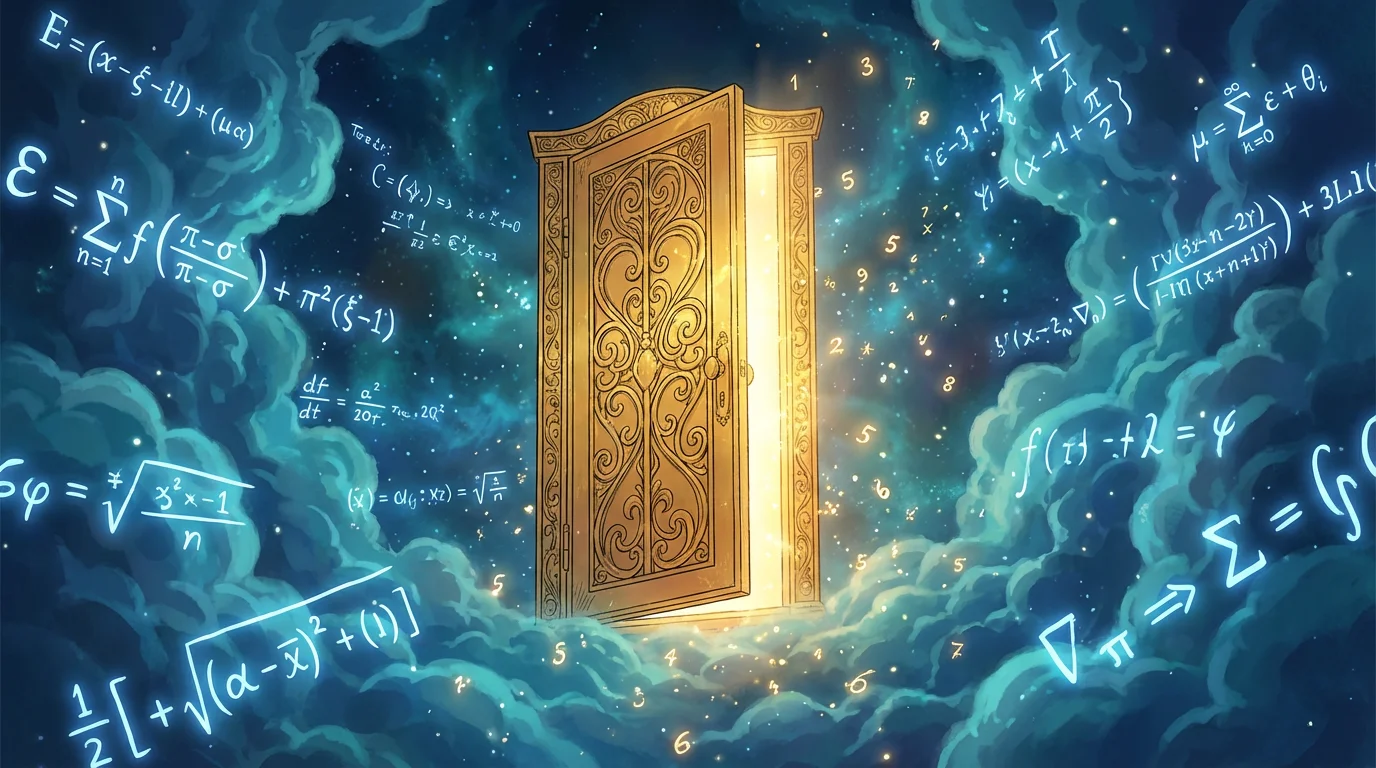
Example: an illustrated page generated by TaleLens, "The Tale of Poisson & Beta."
Conclusion: TaleLens Began as a Personal Need, but It May Be Useful to Many More People
Why did we build TaleLens?
The simplest answer is this: the tools we had still did not fully support the kind of work we wanted to make.
What we needed was not disconnected text generation, image generation, and layout software. We needed a workflow designed specifically for storybooks, picture books, comics, and children’s storytelling.
So we started building it ourselves.
And as the product took shape, we became increasingly convinced that this was not just our own problem. It was also a problem shared by parents, teachers, authors, and creators in many different contexts.
That is why we decided to share TaleLens.
Our hope is not to make just another AI product that can do a little bit of everything. It is to build a tool that does one important job especially well—and does it in a way that feels complete.
FAQ
What is the biggest difference between TaleLens and general AI tools?
The biggest difference is not simply whether it can generate. It is whether the workflow is designed around the full path from story to finished work. General AI tools are powerful, but they usually expect users to stitch the process together on their own. TaleLens is built to connect the script, characters, visuals, pagination, and output in one system.
Who is TaleLens for?
It is especially well suited for authors, parents, educators, indie creators, and anyone who wants to turn story ideas or existing story content into picture books and other visual storytelling formats more efficiently.
Will TaleLens replace creators?
No. We see it much more as a creative amplifier—something that reduces repetitive work, preserves the creator’s voice, and gives people more time to focus on the parts that matter most.
Why not just combine a few existing tools?
You can, but over time that workflow often becomes fragmented, time-consuming, and hard to control. Character consistency, narrative continuity, and final output quality are all harder to maintain when the process is spread across too many disconnected tools. That is exactly the gap TaleLens is designed to close.
Public References
- TaleLens official website: https://talelens.com/
- TaleLens Blog: https://talelens.com/blog
- Google Gemini Storybook official blog: https://blog.google/products/gemini/storybooks/
- StoryJumper official website: https://www.storyjumper.com/
- BookBildr official website: https://www.bookbildr.com/
- Canva AI official website: https://www.canva.com/canva-ai/
- Lovart official website: https://www.lovart.ai/