How TaleLens Thinks About Consistency in AI Storybook Generation
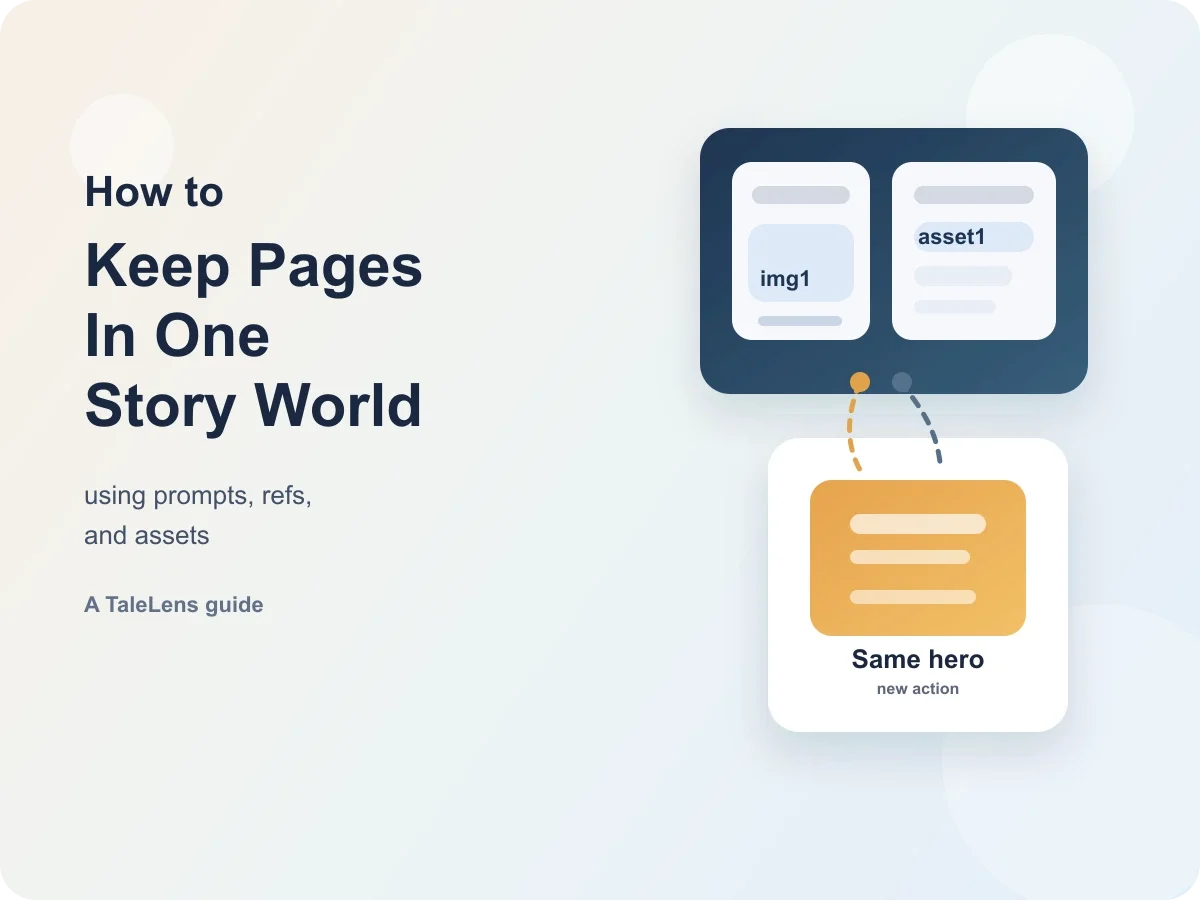
How TaleLens Thinks About Consistency in AI Storybook Generation
In AI storybooks, the hardest part is often not making one beautiful image. The harder part is making a whole book feel like it belongs to the same story world.
One strong page is not enough. If a character suddenly gets a different face, an important object disappears, the scene style keeps jumping around, or two pages look like the same image with different words, the story breaks. For children's books, serialized stories, and classroom content, this matters a lot.
When TaleLens was designed, consistency was not treated as a problem creators should fix page by page on their own. It was treated as a system problem. In practice, TaleLens breaks that problem into a few smaller jobs:
- Make the story information clear.
- Bring important reference images into the generation flow.
- Turn key characters and props into reusable assets.
- Protect both stability and variation across pages.
This article is not a checklist telling creators to do more manual cleanup. It explains how TaleLens thinks about consistency as a product problem, and how that thinking becomes a system capability.
Why consistency matters
A storybook is a continuous medium. Readers do not look at page 3 or page 7 in isolation. They build one visual world in their minds as the story moves forward.
That means consistency has at least four layers:
- Character consistency: faces, hair, clothes, body shape, and signature details should stay recognizable.
- Object consistency: important props, symbols, vehicles, tools, books, or costume pieces should not drift.
- Scene consistency: the same place should still feel like the same place.
- Style consistency: the brush feel, palette, texture, and mood should still belong to one book.
At the same time, a storybook cannot become stiff. A character can stay the same person, but not with the same pose, the same expression, and the same camera angle on every page. Otherwise the book stops feeling like a story and starts feeling like a repeated template.
That is why consistency is not really about copying. It is about finding a controllable balance between stability and change.
Layer 1: Turn “what must stay the same” into system-readable instructions
In TaleLens, consistency starts with clear page instructions rather than with images alone.
If a system simply throws a full story at an image model and hopes the model will understand page relationships by itself, the result is usually unstable. So TaleLens breaks the story into pages first. Then it prepares a small instruction card for each page. That card makes four things clear:
- who is on the page
- what is happening
- what should stay the same
- what is allowed to change
This leads to one important design rule: the system cannot get lazy and just say “same as the previous page.” Image models do not really understand a whole book the way people do. If the yellow coat, hairstyle, room, or key prop must stay stable, the system needs to restate those details when they matter.
To keep cross-page references organized, TaleLens gives different kinds of references fixed names:
- uploaded reference images use
imgN - asset references use
assetN - previously generated pages used for continuity use
pK
These names work like labels attached to images. When the labels stay clear, the later pages are less likely to drift.
That design is already visible in the current interface:

The New Tale page in the dev environment. After an asset is added, it appears as an asset1 chip with Use and Ref options. This is not just a visual thumbnail. It is a stable reference for later generation steps.
The asset1 chip works more like a character profile card than a loose image. It tells the system that this is not a temporary hint. It is something important that should be remembered.
To avoid overwhelming the generation process, TaleLens also limits how many references can be active at once:
- up to
20reference cards across one story - up to
7high-priority references for a single page generation
This is not only about saving resources. It also prevents the classic problem where there are so many references that nothing really matches any of them. The key design choice is not “use more images.” It is “make the system focus on the right ones.”
Layer 2: Important characters and props need to be truly seen
Text alone is often not enough to solve consistency. That is why TaleLens puts reference images into the core flow instead of treating them like optional attachments.
If a character has a very specific outfit, or a prop has a distinctive shape, words are often not enough. Reference images help the model follow faces, clothing structure, object shape, and even style much more closely than before.
Still, two realities remain:
- Reference images improve precision, but they do not guarantee zero error.
- If reference images are used too rigidly, pages can become stiff.
In TaleLens, a reference image is not just “uploaded and forgotten.” The system first reads the image and records what is inside it. You can think of that as a small reading note prepared for the generation flow. That makes it easier to keep the right details alive from page to page.
The product also supports explicit labeling to reduce ambiguity, for example:
img1: Mia
img2: Captain Fox
This helps when two images look similar. Instead of guessing, the system can trust the name that was already given.
TaleLens also prepares a small “reference note” for each page. It works like a tiny reminder sheet:
asset1:
Keep Mia's face and yellow raincoat.
Change the pose to running.

p2:
Remember the same room.
Do not copy the same camera angle.
The important part is not the label name itself. The important part is that the system clearly knows what each reference image is for. Only then can it tell what should stay and what should change.
That logic is also visible in the asset selection flow:

The Add assets modal in the dev environment. Assets can be chosen by name and type before they are brought into the story flow.
The product idea here is simple: decide what the system should remember before the generation begins.
Layer 3: Series work cannot restart from zero every time
For a short one-off storybook, reference images can solve most of the problem. But if TaleLens wants to support longer-term creative work, the challenge changes:
- the same character appears across multiple books
- the same world keeps reusing the same objects and places
- a series keeps expanding over time
In that situation, re-uploading the same references again and again becomes both tiring and unreliable.
That is why TaleLens introduced the Asset Library. It is not just a place to store images. It is a way for the system to keep important characters and props stable over time.
An asset stores more than one image. It also stores the important information that travels with that image:
- who or what it is
- what it looks like
- whether it is a character, object, or scene
- how the system should use it later
In practice, an asset usually carries three things:
- a main image
- a thumbnail
- a small note
That means an asset stores not only the picture, but also the understanding around the picture. Next time, the system does not need to figure everything out again from scratch.
The Asset Library already works like a full long-term workspace:

The Asset Library in the dev environment. It works like a long-term materials cabinet, but more importantly it lets the system reuse the same character and prop information over time.
From a product design point of view, assets serve two especially important roles.
1. Assets are the stronger memory
If a page-level instruction conflicts with a key setting stored in an asset, TaleLens trusts the asset more.
That matters because once a main character is defined, one random generation should not be able to break that identity.
2. Assets can also stay soft
This is where the Use / Ref switch matters:
Usemeans “follow this character or prop closely”Refmeans “take inspiration from it, but do not lock every detail”
That lets TaleLens separate two very different needs:
- “this character design must stay stable”
- “this image is mainly a mood or style reference”
That is also why assets are better than plain references for series work. They are not just reusable pictures. They are reusable memory.
There is also a practical cleanup detail: if an asset is deleted later, TaleLens removes the broken reference from older stories so dead links do not keep hanging around in the workflow.
Layer 4: Consistent does not mean every page looks the same
This is one of the easiest parts to miss, and one of the easiest parts to get wrong.
At first glance, it can seem like the safest approach is to make the system follow references as closely as possible.
But copying too closely does not create story energy. It creates stiffness.
If every page uses almost the same camera angle, pose, composition, and expression, then the book may look unified, but it will also look frozen.
In TaleLens, this is treated as a system responsibility. The system should not only protect what must stay stable. It should also arrange what should change. That means cross-page generation needs to account for things like:
- what each reference image should teach
- what this page should change
- how the same character can return with a new pose, angle, light, or framing
- how to avoid directly copying the original background or composition
TaleLens broadly follows this priority:
assets > uploaded reference images > previous pages
That order matters. It helps stop a common failure mode where a later page only imitates the previous one, then drifts further and further away from the original intent. Looking at assets first, source references second, and previous pages last is usually much more stable.
The consistency flow becomes easier to understand in the diagram below:

Consistency does not come from one magic switch. It comes from a chain of small decisions working together.
Layer 5: The system still needs a second check
Even after all that planning, TaleLens still adds extra consistency checks through settings such as:
Re-ThinkEnable adherence boost
They do different jobs:
- Re-Think acts like “think again.” It checks whether the page instruction is still too vague.
- Adherence boost acts like “check the image again.” If the result drifts too far from the intended character setup, the system can try again.
The dev environment exposes those controls here:

The generation settings in the dev environment. They work like a second safety layer for consistency: first re-check the instructions, then re-check whether the image still looks right.
Of course, these controls are not free. Turning them on usually makes generation slower and more expensive. From a product strategy point of view, they are best used on the highest-value pages, such as:
- pages where the main character design is critical
- series covers or key pages
- pages where outfit details or identity markers must stay especially stable
Why TaleLens still has to manage page relationships
This is the deepest part of the whole problem.
An image model does not really know that it is drawing “page 5 of a book.” To the model, each generation is much closer to a fresh assignment.
That is why multi-page consistency does not appear automatically. The system has to keep reintroducing the important information:
- who appears on this page
- which key traits should carry over
- what should stay the same between pages
- what should change between pages
- which scene details should continue
The reliable path is not to hope the model will somehow understand the whole book on its own. The reliable path is to make the system keep explaining the important parts clearly.
What this means for creators
For creators, the most important thing is not doing page-by-page consistency repair by hand. The important thing is knowing that TaleLens has already put a lot of design work into this problem.
- It breaks stories into more controllable page instructions.
- It brings references and assets into the real generation flow.
- It keeps long-term memory for recurring characters and props.
- It handles both stability and variation across pages.
- It adds extra checks to reduce drift on critical pages.
Creators still need to tell TaleLens what story they want to tell. But the harder problems such as maintaining consistency, preventing stiffness, and keeping series characters reusable over time should be carried by the system as much as possible.
Closing
Consistency in AI storybook generation is not a magic button. It is a design approach.
In TaleLens, creators describe the story intent, while the system works to make consistency reliable.
The real goal is not for every page to look identical. The goal is this:
the same character still feels like the same character, the same world still feels like the same world, and every page still feels like the story is moving forward.
That is the consistency goal TaleLens is designed to reach.